
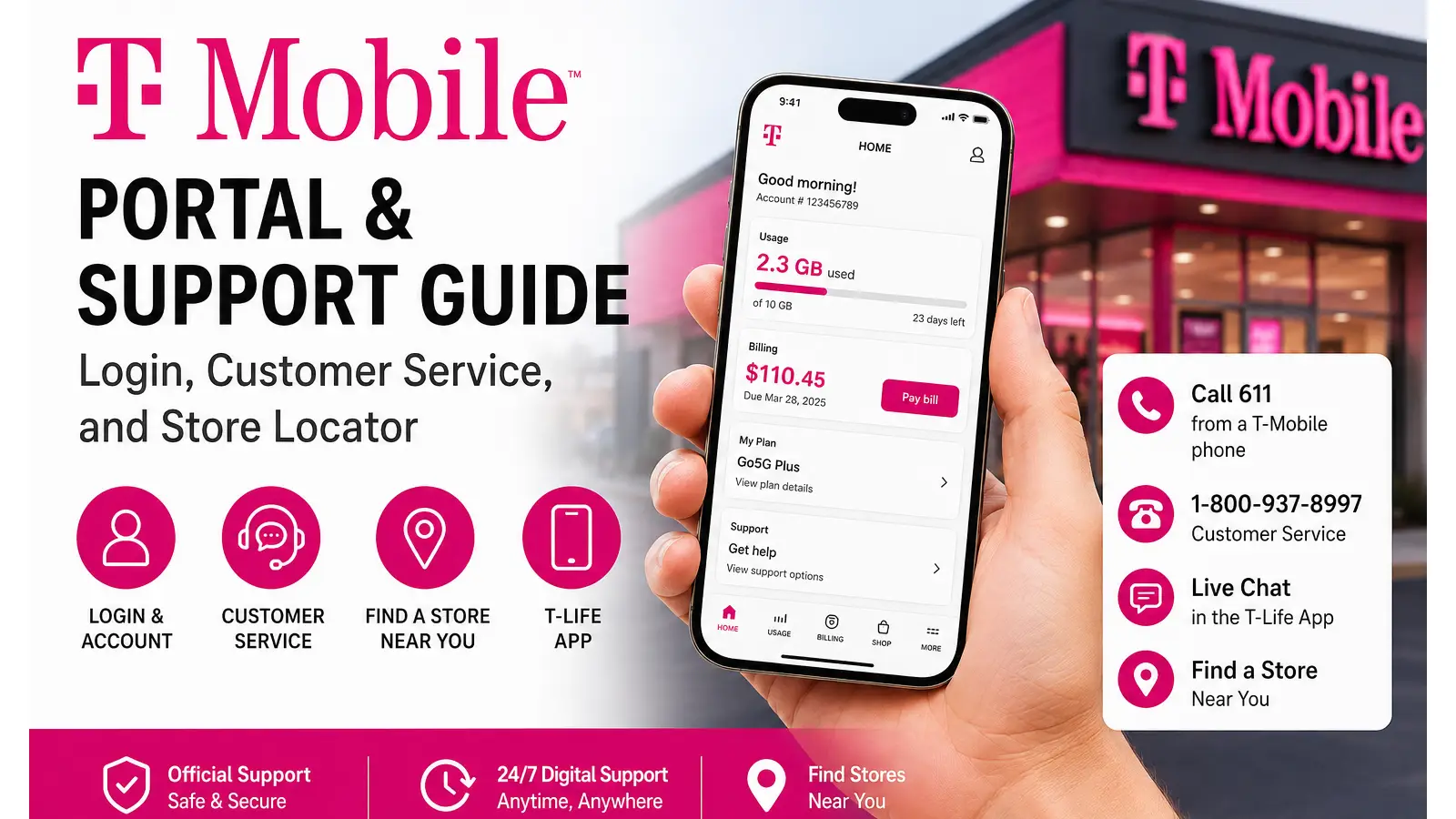

T-Mobile customers can manage their account online, get help through the T-Life app, contact customer service, and locate nearby stores using official T-Mobile tools. Whether you need a quick bill payment, account recovery, technical support, or a T-Mobile near me search, this guide puts the most useful options in one place.
Executive Summary
T-Mobile customers can use the official online portal and T-Life app to manage accounts, pay bills, review services, get customer support, and locate nearby stores. This guide explains what support options are available, who they are designed for, when to use online, phone, or in-store assistance, and why official T-Mobile channels are the safest and fastest way to handle account, network, roaming, and device-related issues.
T-Mobile Login: Accessing Your Online Account & T-Life Portal
The fastest way to manage your wireless account is through the official T-Mobile website or the T-Life app. Both options allow eligible customers to handle billing, account settings, lines, devices, and other services.
How to log in to your T-Mobile account online
Start by visiting the official T-Mobile website.
From there:
- Select the account or sign-in option.
- Enter your T-Mobile ID and password.
- Complete any verification step if requested.
- Open your account dashboard.
Once signed in, the available options can include:
- Viewing and paying your bill
- Checking account balances
- Managing wireless lines
- Reviewing your plan and add-ons
- Checking device information
- Reviewing orders
- Updating account settings
- Managing eligible services and features
The web portal is especially useful when you are working from a desktop computer and want a larger view of your account information.
Using the T-Life app
The T-Life app is T-Mobile’s main customer app for account management, shopping, support, and selected T-Mobile services. According to T-Mobile, the app brings account management, plan features, shopping, offers, and support functions together in one place.
To get started:
- Install the T-Life app on your compatible Android or iPhone.
- Open the application.
- Sign in using your T-Mobile ID when prompted.
- Review the available account and service options.
The app can be particularly useful when you need help while away from a computer. T-Mobile also directs existing customers toward the T-Life app for 24/7 support options.
What can you manage through T-Mobile?
Depending on your account and service type, you may be able to:
- Pay your monthly bill
- Review billing activity
- Manage your plan
- Add or remove eligible features
- Check line information
- Review device upgrades
- Track orders
- Access support resources
- View T-Mobile Tuesdays offers
- Manage selected connected services
If you are checking mobile data usage, hotspot information, or plan details, the exact information displayed may depend on your current plan and account permissions.
Common T-Mobile login problems
A failed t mobile login does not always mean your account is locked. Start with the basic checks above:
Forgot your password: Use the official password recovery option on the sign-in page.
Forgot your T-Mobile ID: Use the account recovery tools provided during sign-in.
Two-factor authentication problem: Make sure you still have access to the phone number, email address, or authentication method connected to your account.
New phone or SIM: Verification may be required again after changing devices or account security settings.
App not working: Update T-Life, restart the device, and try signing in again.
Avoid entering account credentials through links received in unexpected emails or text messages. For account access, start from the official T-Mobile website or app.
T-Mobile Customer Service: Contact Numbers & Support Channels
When online support is not enough, T-Mobile offers phone and app-based customer service.
Main T-Mobile customer service number
For general customer service and technical support:
Dial 611 from a T-Mobile phone
Or call:
1-800-937-8997
T-Mobile states that Customer Care Representatives are available daily from 4 a.m. to 9 p.m. Pacific Time.
This is one of the most important numbers to save if you are a T-Mobile customer.
Quick support directory
| Service | Contact Method |
|---|---|
| T-Mobile customer service | 611 from a T-Mobile phone |
| Customer service from another phone | 1-800-937-8997 |
| T-Life support | T-Life app |
| Live agent chat | Available through T-Life during listed hours |
| 5G Home Internet technical support | 1-844-275-9310 |
| T-Mobile Fiber technical support | 1-844-783-4237 |
| Consumer sales | 1-844-222-1938 |
| 5G Home Internet sales | 1-833-983-3596 |
T-Mobile lists live agent chat in the T-Life app from 4 a.m. to 12 a.m. Pacific Time, while app-based support options are available around the clock.
T-Mobile live chat support
If you prefer typing instead of calling, open the T-Life app and look for available support or chat options.
Live chat can be useful for:
- Billing questions
- Basic account issues
- Plan information
- Device troubleshooting
- Order questions
- General service support
For complicated account verification or security matters, a phone call may still be required.
T-Mobile social support
T-Mobile also maintains customer-facing support channels through social platforms, including the well-known @TMobileHelp support presence.
When using social support, never publicly post:
- Your password
- Full account number
- PIN or passcode
- Social Security number
- Verification codes
If a representative needs account information, follow the official private verification process.
International and roaming support
If you are traveling internationally, roaming support needs can vary depending on your plan, destination, and the network available where you are located.
Before traveling, check your plan’s international features through your account or the official T-Mobile support resources. T-Mobile provides support information for international roaming and related network services through its support system.
If you need help while outside the United States, use the official contact instructions shown in your account or on T-Mobile’s current support pages, since international dialing options can change by location.
Qatar-Specific Support Note for T-Mobile Customers
If you are a U.S. T-Mobile customer traveling or staying temporarily in Qatar, T-Mobile lists Qatar among the destinations included in its international roaming coverage, subject to your specific plan, device compatibility, and current roaming terms.
Before traveling to Qatar, log in to your T-Mobile account or check the T-Life app to confirm exactly what your plan includes for:
- Mobile data in Qatar
- International texting
- Voice calling rates
- High-speed data limits
- International Pass options
Customers on eligible plans may receive international roaming benefits, while other plans may require an International Pass or may have separate calling and data charges. T-Mobile’s international benefits and allowances depend on the plan you have, so checking your account before departure is important.
Need T-Mobile Support While in Qatar?
If you experience network, calling, texting, or mobile data problems while traveling internationally, T-Mobile provides an international roaming care number:
+1-505-998-3793
This number can be used for T-Mobile international roaming support when calling from another line. T-Mobile also recommends using its official messaging and support channels when available.
For users searching for T-Mobile Qatar, it is important to understand that T-Mobile is primarily a U.S. mobile carrier. Travelers in Qatar generally use T-Mobile through international roaming on a local partner network rather than through a domestic T-Mobile retail network.
Before leaving for Qatar, it is also a good idea to:
- Confirm that international roaming is enabled on your line.
- Check your plan’s Qatar data allowance.
- Review International Pass options if you need additional high-speed data.
- Make sure your phone is compatible with international networks.
- Download the T-Life app before traveling.
- Save the international support number in your contacts.
For current coverage and roaming details, use the official T-Mobile International Roaming Support page.
Finding a T-Mobile Near Me: Store Locator & In-Store Services
Searching for a t mobile near me location is useful when you need face-to-face assistance with a device, SIM, upgrade, trade-in, or account-related service.
The safest approach is to use T-Mobile’s official store locator and official website rather than relying only on third-party map listings.
How to find a nearby T-Mobile store
Use the official T-Mobile store locator and:
- Enter your ZIP code, city, or address.
- Allow location access if you want nearby results.
- Review available stores.
- Check store hours and services.
- Select a location before traveling.
Store information can change, so checking the location on the same day is a good idea.
Corporate stores vs. authorized retailers
Not every location displaying T-Mobile branding operates in exactly the same way.
You may encounter:
- T-Mobile retail locations
- Authorized retailers
Both may sell T-Mobile products and services, but available inventory, appointment options, promotions, fees, and certain service capabilities can differ.
Before visiting, check whether the location can handle the specific task you need, especially for:
- Complex account changes
- Device returns
- Trade-ins
- Order pickup
- Business services
- Warranty-related questions
Setting up an in-store visit
Some services can be handled faster if you prepare before arriving.
Bring relevant items when needed, such as:
- Your phone
- Valid account information
- Trade-in device
- Charging cable, if requested
- Order confirmation
- Government-issued identification when required for account verification
Do not assume every store can complete every transaction immediately. Inventory and service availability can vary.
Trade-in and device pickup tips
Before trading in a phone:
- Back up your important data.
- Sign out of your accounts when required.
- Disable device tracking or activation locks if instructed.
- Review the condition requirements.
- Keep receipts and trade-in documentation.
For order pickup, confirm that your order is ready before visiting the store.
T-Mobile Network & Plans Overview
T-Mobile’s current consumer lineup includes different levels of unlimited wireless service, with plans designed around price, upgrade benefits, entertainment, and premium features.
The main plans highlighted by T-Mobile include:
Essentials
Essentials is positioned as the lower-cost option for customers who want unlimited talk, text, and data at a simpler price point.
T-Mobile currently highlights Essentials as its lowest-priced major unlimited option among the plans shown on its main comparison pages. Network performance and data prioritization can differ during congestion depending on the plan.
Experience More
Experience More is aimed at customers who want additional benefits and upgrade options.
T-Mobile says eligible Experience plans include a 5-Year Price Guarantee covering the price of qualifying talk, text, and 5G smartphone data while the customer remains on an eligible plan, subject to listed exclusions.
Experience Beyond
Experience Beyond is the higher-tier option shown in T-Mobile’s current consumer plan lineup.
It includes more premium benefits and early upgrade features for eligible customers. The exact entertainment services, device offers, and promotions can change, so always check the current plan terms before switching.
Understanding the 5-Year Price Guarantee
The 5-Year Price Guarantee does not mean every charge on your bill is permanently fixed.
According to T-Mobile’s published terms, the guarantee generally applies to qualifying plan prices for talk, text, and 5G data, while items such as taxes, fees, add-ons, third-party services, and certain other charges may be excluded.
That distinction is important when comparing plans.
T-Mobile 5G Home Internet
T-Mobile also offers 5G Home Internet in eligible areas.
Current offerings highlighted by T-Mobile include:
- Rely
- Amplified
- All-In
Availability depends on your address and local network capacity. T-Mobile also states that eligible Home Internet plans can include a 5-Year Price Guarantee, subject to the plan’s terms and exclusions.
Before ordering, check availability for your exact address. Actual speeds can vary because wireless performance depends on location, signal conditions, congestion, and other network factors.
Quick Reference Summary
| Intent / Service | Action | Direct Link / Number |
|---|---|---|
| T-Mobile account login | Sign in through the official portal | T-Mobile Official Website |
| Manage account on mobile | Use the T-Life app | T-Life Support Guide |
| Customer service | Call from a T-Mobile phone | 611 |
| Customer service from another phone | Call support | 1-800-937-8997 |
| Live support chat | Open T-Life and check chat availability | T-Life app |
| 5G Home Internet support | Call technical support | 1-844-275-9310 |
| Fiber technical support | Call technical support | 1-844-783-4237 |
| Find a T-Mobile store | Use the official locator | T-Mobile Official Site |
| Compare wireless plans | Review current plan options | T-Mobile Plan Comparison |
| Check Home Internet | Check address availability | T-Mobile Home Internet Plans |
Frequently Asked Questions
Start from the official T-Mobile sign-in page and use the available T-Mobile ID or password recovery options. If you cannot complete verification, contact customer service at 611 from a T-Mobile phone or 1-800-937-8997.
Start with T-Mobile’s official store locator, select your preferred location, and review the services and appointment options shown for that store. Appointment availability can vary by location.
T-Mobile lists Customer Care Representatives as available daily from 4 a.m. to 9 p.m. Pacific Time. Live agent chat through T-Life is listed from 4 a.m. to 12 a.m. Pacific Time, while additional app support options are available 24/7.
If you have a T-Mobile phone, dialing 611 is usually the quickest direct route to customer service. You can also use the T-Life app for account support and available chat options.
Final Tip
For account security, billing, device changes, and service support, always start with official T-Mobile channels. Use the web portal or T-Life app for self-service, dial 611 for direct help, and use the official store locator when you need in-person assistance.
The options above cover the most common searches behind t mobile, t mobile customer service, T-Mobile, t mobile login, and t mobile near me, helping users move from search to the correct service without wasting time on unofficial pages.
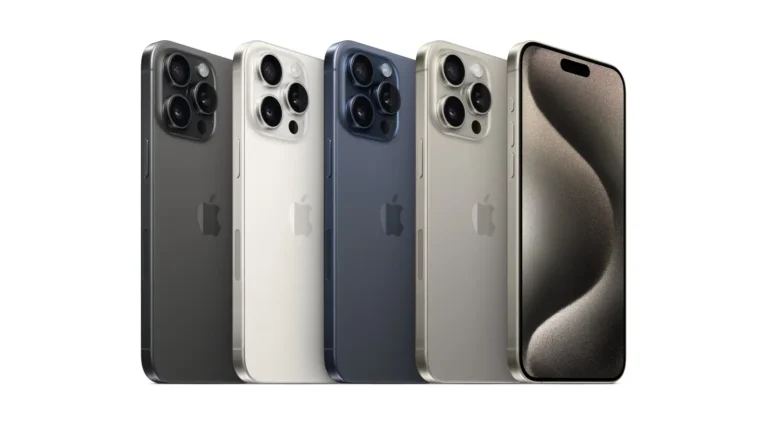
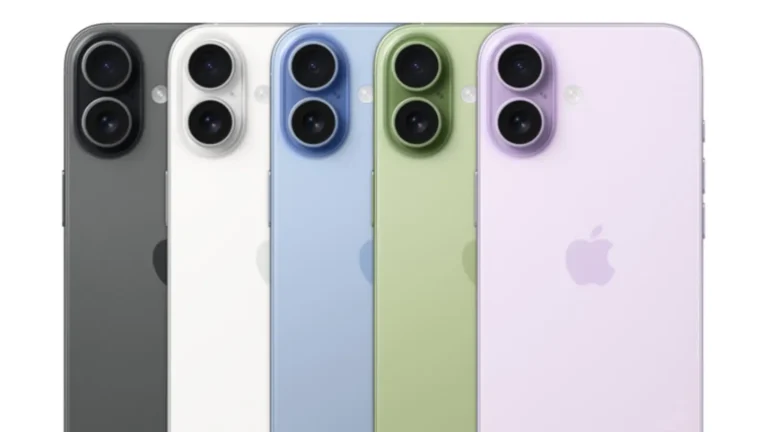
[…] Software and service support […]
[…] key point is not simply the lowest advertised number. Model compatibility, warranty, storage, 5G support and the seller’s after-sales service can make a significant difference to the actual value of the phone in […]